
Video Captions and Accessibility: What Business Video Actually Needs
Every video proposal you will ever read includes the word "captioned." Almost none of them say captioned to what standard, in what format, reviewed by whom, or delivered how. The word does a lot of work and promises very little.
That vagueness matters more than it used to. Requirements that used to sit with government agencies now show up in ordinary commercial contracts, social feeds play without sound by default, and a caption file is one of the few deliverables where "we have one" and "it is correct" are genuinely different claims.
Here is what the standard actually says, who is bound by it, and the specific list to ask for when you commission video production.
Captions, Subtitles, and Transcripts Are Three Different Things
These get used interchangeably in proposals and they are not interchangeable.
Captions are written for a viewer who cannot hear the audio. The W3C's definition is a "synchronized visual and/or text alternative for both speech and non-speech audio information needed to understand the media content." In practice that means captions "not only include dialogue, but identify who is speaking" and "include non-speech information conveyed through sound, including meaningful sound effects." If two people are talking, the caption says which one. If the audio carries something the picture does not, the caption carries it too.
Subtitles assume the viewer can hear and simply render the words — originally for translation. Most of what gets delivered as "subtitles" on business video is a partial caption: dialogue only, no speaker changes, no non-speech information. It reads fine to a hearing viewer and fails for the person it was supposed to serve.
Transcripts are the full text as a document, not synchronized to the timeline. Useful, indexable, and not a substitute for either of the above. A deliverable described only as "subtitles" should be read as an unfinished caption file.
What the Standard Actually Requires
The reference point for essentially every accessibility obligation in the United States is the W3C's Web Content Accessibility Guidelines. The relevant criteria for video are short and specific.
Success Criterion 1.2.2, Captions (Prerecorded), Level A: "Captions are provided for all prerecorded audio content in synchronized media." Level A is the baseline — not the advanced tier, not a stretch goal. The only exception is media that is itself an alternative presentation of text already on the page, clearly labeled as such.
Success Criterion 1.2.4, Captions (Live), Level AA: "Captions are provided for all live audio content in synchronized media." This is the one that catches webinars and streamed events, and it is why live captioning is booked as a service rather than added afterward.
Success Criteria 1.2.3 and 1.2.5, audio description. At Level A you must provide either an audio description of the video content or a full text alternative for the time-based media. At Level AA, the description track specifically.
Success Criterion 1.4.2, Audio Control, Level A. If audio plays automatically for more than three seconds, the page must give the viewer a way to pause or stop it, or to control its volume independently of their system volume — which is a good argument for the muted autoplay most hero videos already use.
Who Is Actually Required to Comply
This is where most explanations get vague, so here is the honest version.
State and local government, and anyone delivering services on their behalf. The Department of Justice's ADA Title II rule sets a specific technical standard for government web content and mobile apps: WCAG 2.1 Level AA. The compliance dates were extended by an interim final rule published on April 20, 2026, and now fall on April 26, 2027 for entities serving populations of 50,000 or more, and April 26, 2028 for smaller entities and special district governments. Contractors providing public services on a government's behalf are covered too. If you make video for a city, a county, a school district, a transit authority, or a utility, this is now a contract term with a date on it.
Federal agencies and their vendors. The Revised Section 508 Standards require that "electronic content shall conform to Level A and Level AA Success Criteria and Conformance Requirements in WCAG 2.0." Anything you produce that ends up on a federal site, in a federal training system, or inside a federal procurement has to meet it.
Private businesses. There is no published federal technical standard for private-sector websites, and anyone telling you WCAG is legally mandatory for your marketing site is overstating it. What is true: accessibility obligations under the ADA still exist, WCAG is the yardstick courts and settlements consistently reach for, and the requirement usually arrives through someone else's paperwork. Enterprise and public-sector buyers push their own standards down to vendors, which is how a mid-size company first discovers that its recruiting videos or training library need conforming caption files. The useful question is not "are we required to" but "what does it cost to do properly," and the answer is very little when it is specified before the edit rather than after.
Open Captions, Closed Captions, and Why You Want Both
Closed captions live in a separate file that travels with the video. The viewer can turn them on or off, the text is machine-readable, and a correction is a file swap rather than a re-export. This is what your website player, YouTube, and your learning management system all want.
Open captions are burned into the picture. They cannot be turned off, cannot be corrected without re-exporting, and cannot be translated. They are also the only ones that reliably appear in a social feed, where autoplay is muted, platform caption rendering is inconsistent, and a viewer deciding in the first second whether to keep watching will not go looking for a settings menu.
So the working rule is simple: the long-form master gets a sidecar caption file, and every short social cutdown gets captions burned in, styled and positioned by your editor rather than by the platform. The version you never want is a single master with captions permanently burned in and no separate file, because that is the one that can never be fixed, turned off, or localized.
Two things are worth specifying on burned-in captions: keep the type inside a safe margin so no platform's own interface sits on top of it, and hold a real contrast ratio against the picture behind it. WCAG's minimums — 4.5:1 for normal text, 3:1 for large text — are written for text on a page rather than text inside a video, but they are the right working target, and the way to hit it over moving footage is a solid or semi-opaque backing rather than a drop shadow.
File Formats, and What to Ask For
Caption formats are not interchangeable, and the destination decides which one you need. YouTube alone accepts a long list — SubRip (.srt), SubViewer (.sbv or .sub), MPsub, LRC, and Videotron Lambda (.cap) as basic formats, with WebVTT, SAMI, RealText, TTML, and DFXP as advanced formats and Scenarist Closed Caption (.scc) as its preferred broadcast format.
For ordinary business video, two cover nearly everything:
- SRT — the universal interchange format. Plain text, numbered cues with timecodes, accepted almost everywhere, no styling.
- WebVTT (.vtt) — the web standard, used by HTML5 video players, with support for positioning and basic styling.
Ask for both. They come from the same timed text and there is no reason to receive only one.
What Auto-Generated Captions Get Wrong
Automatic speech recognition has gotten good enough that the temptation is to stop there, and its failure pattern is concentrated exactly where business video carries its value.
Machine captions mishear proper nouns first — your company name, your product names, the names of the people on camera, the industry vocabulary that makes the video sound like it came from inside your field. They are weak on acronyms, they produce long unpunctuated runs with no sentence boundaries, and they almost never mark a speaker change, so a two-person interview becomes one undifferentiated monologue.
The fix is not to throw the machine out. Treat its output as a first draft and have a person correct four things before publication: proper nouns, punctuation and sentence breaks, line breaks that fall at phrase boundaries rather than mid-name, and speaker labels. That pass is fast, and it is the entire difference between a caption file and a compliant one.
The Accessibility Layer That Is Not Captions
Captions are the biggest piece and not the only one.
Information that exists only on screen. If a number, a name, a web address, or a result appears as a graphic and is never spoken, a viewer who cannot see the screen does not have it. Scripting around this is nearly free — have the voice say the number — and it removes most of the need for a separate audio description track.
On-screen text that moves too fast. Lower thirds and statistics that flash for a second are a readability problem for everyone. The rule of thumb in the edit is to hold any text long enough to read it twice.
Color as the only signal. A chart where the only thing separating two lines is red versus green does not survive a colorblind viewer or a grayscale screenshot. Label the lines.
The player, not just the video. An accessible video inside an inaccessible player still fails. The player needs keyboard-operable controls, a visible focus state, and a caption toggle that is reachable. If your site uses an embedded player you did not build, that is worth an afternoon of testing with the mouse unplugged.
A transcript on the page. Not a replacement for captions, but it lets someone read instead of watch, find a specific moment, and puts the full text of the video into a page a search engine can index.
What This Means on the Shoot
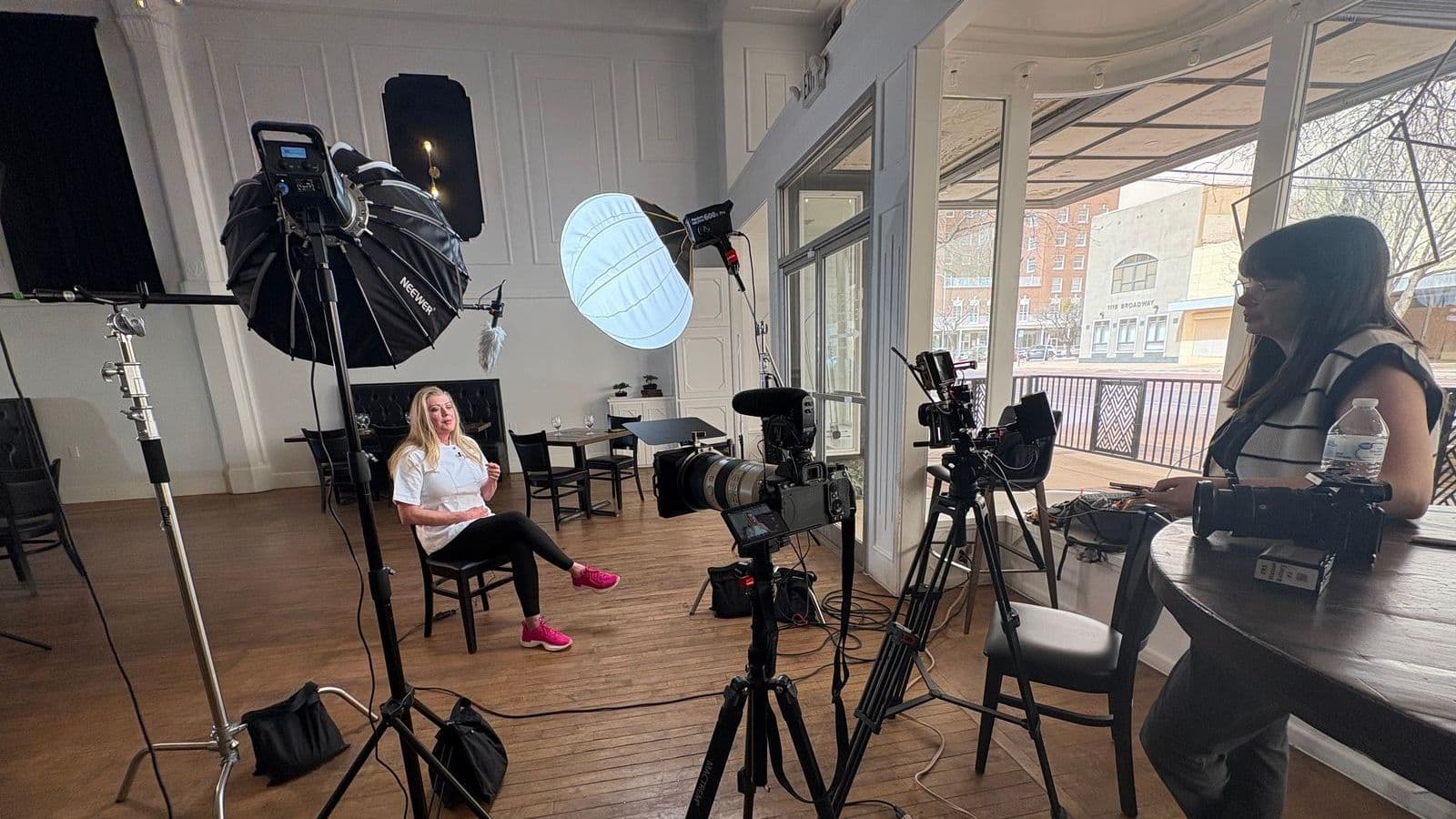
Most of what makes captioning cheap and accurate happens before anyone opens an editor, which is part of why the shoot day runs the way it does.
Clean, separately recorded audio from a lavalier or boom microphone — rather than the camera's onboard mic — is the single biggest factor in transcription accuracy, and a quiet room matters for the same reason. Beyond that: give your editor the correct spelling of every name and title before the edit starts, lock the script so captions are not being rewritten against a moving target, and leave the bottom of the frame reasonably clear so burned-in captions have somewhere to sit that is not across someone's chin.
The Delivery Spec to Ask For
Put this in the scope rather than in the follow-up email:
- A human-reviewed caption file, not raw machine output, with proper nouns and speaker labels corrected
- Both SRT and WebVTT versions of every long-form deliverable
- Burned-in captions on every vertical and square social cutdown, inside platform-safe margins
- A plain-text transcript for the page the video lives on
- Confirmation that nothing essential appears only as on-screen text
- Caption files named to match their video files, so nothing gets mismatched at upload
None of that adds a shoot day, and all of it has to be asked for before the edit is locked — retrofitting captions onto a finished, approved, published video costs more than specifying them at the start. Which is true of most things worth asking a video production company about up front.
Frequently Asked Questions
Are captions legally required on business videos?
It depends on who you are. State and local government entities are now held to a specific technical standard — the Justice Department's ADA Title II web rule requires WCAG 2.1 Level AA, which includes captions on prerecorded video, with compliance dates of April 26, 2027 for entities serving populations of 50,000 or more and April 26, 2028 for smaller entities and special districts. Federal agencies and the vendors selling to them fall under the Revised Section 508 Standards, which require Level A and AA conformance with WCAG 2.0. For an ordinary private business, there is no published federal technical standard for websites, but accessibility obligations under the ADA still apply, and the requirement frequently arrives through a customer's procurement contract rather than through a regulator.
What is the difference between captions and subtitles?
Captions are written for someone who cannot hear the audio, so they carry speaker identification and meaningful non-speech sound in addition to dialogue. Subtitles assume the viewer can hear and are translating or transcribing the words only. Most "subtitle" files floating around business video are really partial captions — the words with none of the context — which is why a video can be fully subtitled and still fail an accessibility review.
Are auto-generated captions good enough?
Not as a deliverable. Automatic speech recognition is a strong first draft and a poor final file. It reliably mangles the exact words that matter most in business video: company names, product names, people's names, industry terms, and acronyms. It also tends to produce a wall of unpunctuated text with no speaker changes marked. The practical approach is to let the machine write the draft and have a human correct names, punctuation, line breaks, and speaker labels before anything is published.
Should captions be burned into the video or supplied as a separate file?
Both, for different placements. Social feeds autoplay without sound and many platforms render their own caption styling inconsistently, so short social cutdowns get captions burned into the picture where you control the type, size, and safe margins. Your website player, YouTube, and your learning management system all accept a sidecar caption file, which the viewer can turn off, search engines can read, and a translator can work from later. Burning captions into a master file permanently is the one version you do not want, because the text cannot be corrected, turned off, or translated without a re-export.
Does a transcript satisfy the accessibility requirement?
Not on its own, and not for video with sound. WCAG's captioning requirement is about synchronized media — text that appears in time with the audio — so a transcript sitting below the player does not replace captions. It is still worth publishing: a transcript gives people a way to read the content at their own pace, puts the full text of the video on a page search engines can index, and is the fastest way for someone to find a specific moment. Treat it as an addition, not a substitute.
What does audio description mean and do we need it?
Audio description is a narration track that describes meaningful visual information for viewers who cannot see the screen — a chart, an on-screen statistic, a demonstration, a name card that is never spoken aloud. WCAG treats it as a requirement for prerecorded video, at Level A in the form of either a description or a full text alternative, and at Level AA as a description track specifically. Most business video can avoid a separate track entirely by scripting so that nothing important exists only on screen: if the narration says the number out loud, the number is already described.
Accessibility regulations and compliance dates change. The WCAG criteria, ADA Title II dates, and Section 508 requirements above are summarized from the official sources linked in each section — confirm current requirements with your own counsel before relying on them for a contract.
Planning a video and want the caption and accessibility spec written into the scope rather than negotiated afterward? Book a free strategy call — we will cover where the video is going to live and what each of those destinations requires. If your video is headed into a learning management system or a job board, start with training video production or recruiting and culture video.